A business email address gives a strong first impression to your communications. When clients see an email that matches your business name, they trust you more. As a result, you will get a faster response.
Many people think that a business email costs money. It is not true. You can create a business email for free in several ways. Some options work with your own domain. Others work without a domain.
In this guide, I will tell you how to create a business email for free. Each method fits professionals, bloggers, and different types of businesses.
- What Is a Business Email Address?
- What You Need to Create a Free Business Email
- Method 1: Create a Business Email Without a Domain (100% Free)
- Method 2: Use a Free Gmail or Outlook Address for Business
- Method 3: Free Business Email Using Zoho Mail
- Method 4: Free Business Email Using DNSExit
- Method 5: Free Business Email Using GoogieHost
- Method 6: Free Business Email Using Neo
- Method 7: Free Business Email Using Proton Mail
- Method 8: Free Business Email Using Google Workspace Free Trial
- Method 9: Free Business Email Using Titan Email Trial
- Method 10: Free Business Email Through Web Hosting Packages
- FAQ
What Is a Business Email Address?
A business email address typically uses your business name instead of a common email service name, such as Gmail.com. It looks like this:
yourname@yourbusiness.com
This helps people recognize your brand or business easily. A business email address smooths your daily communication. Clients will feel that you are genuine, and they will respond to you faster.
Your emails will be more trustworthy when you send invoices, business proposals, or support replies. Moreover, they will be delivered directly to the recipient’s inbox.
Free email addresses are good for casual use. They’re not ideal for business growth. A business email separates your work from your personal life. It keeps your communication organized and supports teamwork if you add more addresses later.
Here are common types of business email addresses:
- name@businessname.com
- sales@businessname.com
- support@businessname.com
- newsletter@businessname.com
Each address serves different purposes, such as department head, sales team, customer support, email marketing etc. Even solo freelancers and bloggers can use role-based emails to look established.
What You Need to Create a Free Business Email
Before setting up your business email, you need a few basics.
You need:
- A business name
- A domain name for custom email methods
- Access to DNS settings if you use your own domain
- 15 to 30 minutes for setup
A domain name helps you create branded email addresses. Some free methods work even without a domain.
Method 1: Create a Business Email Without a Domain (100% Free)
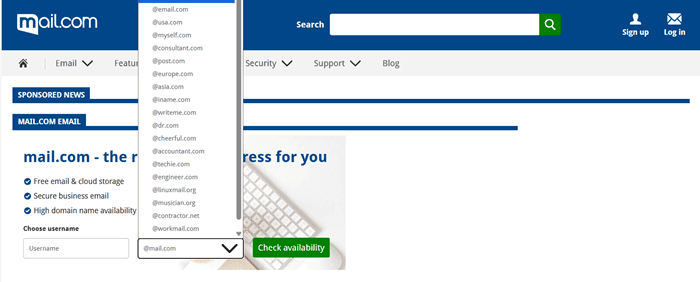
Mail.com allows you to create free business email accounts without purchasing a domain. It supports over 100 domain names that match your profession, location, interests, and spirituality, allowing you to create emails.
You will get 65 GB of storage with each email. There are options to create up to 10 email aliases with a single login. It automatically forwards all your emails to the Mail.com inbox, from where you can send responses using a web browser or their mobile app.
Mail.com offers two-factor authentication (2FA) and a built-in antivirus to secure your communications. It also gives 2 GB of free cloud storage to back up your files and photos.
These are some of the popular email extensions supported by Mail.com,
- @dr.com
- @engineer.com
- @usa.com
- @asia.com
- @post.com
- @catlover.com
Select a name that aligns with your objective. The email looks professional and clean. However, you will see ads in your inbox. To remove them, you should upgrade to a premium plan.
Method 2: Use a Free Gmail or Outlook Address for Business
Using a free Gmail or Outlook address is a quick and cost-effective way to establish a business email without incurring additional expenses. You can create an account in minutes and start sending emails right away.
A free business email typically resembles yourname@gmail.com or yourname@outlook.com. It may not be professional, but it works well for beginners. You can make small modifications to the username to represent your business.
Instead of using your name, enter your business name. This could be like this,
- yourbusinessname@gmail.com
- yourbrandname@outlook.com
I know that these email accounts are less professional. But it is free. You can enhance professionalism by using your logo signature and linking this email to your website’s contact forms.
Method 3: Free Business Email Using Zoho Mail
Zoho Mail is another option for creating free business email accounts. It works well for small businesses and solo creators. The free plan lets you use a custom domain. This means your email looks like name@yourbusiness.com.
Zoho Mail is part of Zoho, a well-known software provider. The interface is clean and simple. You will receive 5 GB of free storage, ad-free. This improves focus and user experience.
The service includes basic security features. It protects your inbox from spam and suspicious emails. You can access your email on desktop and mobile devices through web browsers.
Zoho Mail is ideal for startups, freelancers, and small teams. It helps you look professional without paying monthly fees. Setup is simple and does not take much time.
Method 4: Free Business Email Using DNSExit
DNSExit offers a free option to create an introductory business email. It suits users who want a simple setup without extra features. You can use your own domain name for emails.
You can send and access emails from anywhere through WebMail or any email client, such as Outlook Express. DNSExit allows you to create two free email accounts that are available forever. Ad-free environment is another advantage. This will improve your user experience.
Setup takes a few steps inside the domain settings. You should connect your domain to DNSExit and start using the email address.
DNSExit fits bloggers, freelancers, and early-stage projects. It helps you avoid free public email addresses. While advanced tools are limited, they still cover basic needs. This makes it useful for testing ideas or running small online businesses.
Method 5: Free Business Email Using GoogieHost
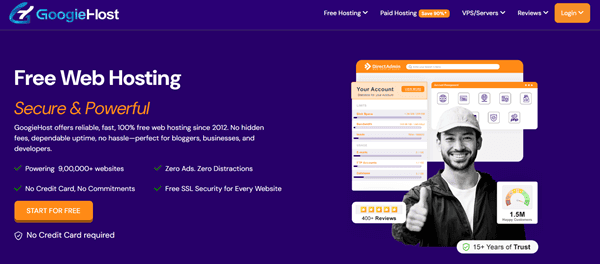
GoogieHost lets you set up a free business email with your own domain. It’s ideal for new startups and small businesses on a tight budget.
You can create two email addresses that match your domain name. This gives your messages a more professional look.
GoogieHost also includes tools like free web hosting, free SSL, a website builder, and a free control panel so you can manage your online business better. It offers NVMe SSD servers with LiteSpeed caching to improve your website performance.
Connect your domain through simple settings to start sending and receiving business emails. Luckily, no ads will appear on your website.
Method 6: Free Business Email Using Neo
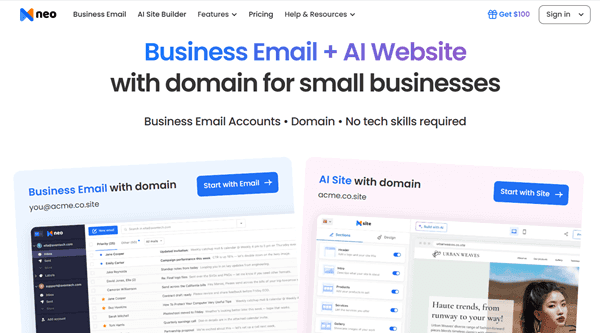
Neo combines a business email with a free domain and an AI-built one-page website. It works for entrepreneurs, freelancers, and small companies who want a professional online presence quickly.
When you sign up, you can get an email address like you@yourbusiness.co.site without needing tech skills. Neo links your email to a matching web page, which helps you look more credible to clients.
Connect to your custom domain or get a free domain from Neo matching your business name. The email service includes basic inbox features and support on mobile and desktop.
Neo’s platform is beginner-friendly, and you can start without paying at first, though full access may shift to a paid plan after a trial. Its focus is on helping early-stage businesses get online fast with email, a domain, and a simple website on one dashboard.
Method 7: Free Business Email Using Proton Mail
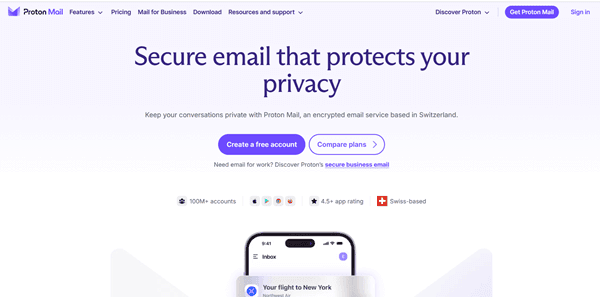
Proton Mail is known for strong privacy and secure email. It offers a free account that you can use as your business email using a Proton Mail address.
All emails are encrypted, so only you and your recipient can read them. This protection is built into the service by default. The free plan includes basic inbox functions, spam protection, and secure email apps for your phone and computer.
You won’t get a custom domain on the free tier, so your address will end with @proton.me rather than your business name. But it still works well if you value security and privacy for your communications.
Proton Mail is based in Switzerland and uses strict privacy laws to keep your data safe. You can upgrade later if you want custom domains or advanced features for your business. Their premium plans offer up to 5 TB storage, 90 email aliases, team members, and up to 3 email domains with a single login.
Method 8: Free Business Email Using Google Workspace Free Trial
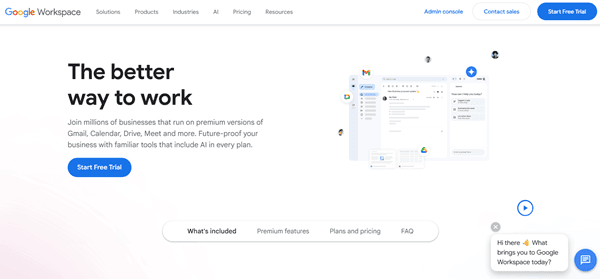
Google Workspace offers a free trial to test a professional business email without paying. When you sign up, you will get access to a full Google Workspace account for about 14 days at no cost.
During this trial, you can create an email address using your own domain, such as you@yourbusiness.com. You will also get access to Gmail’s business inbox, plus tools like Drive, Gemini AI, Docs, Calendar, Meet, and Chat.
The trial is designed for new customers who haven’t used Workspace before. You can add up to about 10 user accounts and explore team features during the trial period. At the end of the trial, you can choose a paid plan that fits your business.
If you decide not to continue before the trial ends, you won’t be charged. This option is great for trying a professional email setup risk-free.
Method 9: Free Business Email Using Titan Email Trial
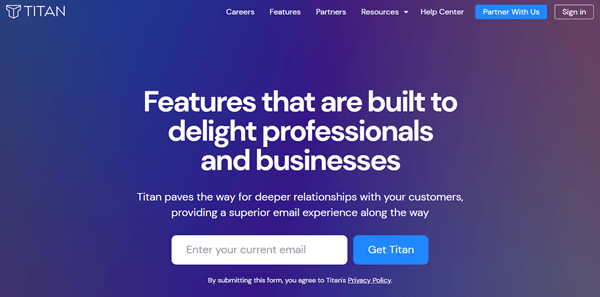
Titan gives you free business email accounts with many domain partners. Titan doesn’t give a free forever plan, but it offers trial periods when you buy or use a domain through a partner like Name.com or certain web hosts. With the trial, you get professional email hosting with your own domain for a limited time (often around 15–90 days) without paying upfront.
During the trial, you can test all its premium features. You can use tools like AI-powered Smart Write, email templates, read receipts, and follow-up reminders. These help you write emails faster and manage communications more professionally.
You can access email on the web and mobile. After the trial ends, you can choose a paid plan or stop using the service without paying.
Method 10: Free Business Email Through Web Hosting Packages
Many web hosting companies offer free email accounts with their hosting plans. This method helps you create a professional-quality website and business email accounts from one place.
You do not need a separate email provider. Create multiple email accounts depending on your hosting plan, and access emails directly from your control panel. It is also possible to configure your Gmail accounts to send and receive business emails without needing to sign in to your hosting account each time.
WPX Hosting, Hostinger, GreenGeeks, and Hosting.com users will get free business email accounts in all hosting plans. All you have to do is sign in to your hosting account and head to the email accounts section. Enter your desired username. For instance, yourname@websitename.com.
Then, you can read and respond to emails through the built-in email client. If required, collect email settings to configure your primary email accounts for sending business emails.
Read 13 Best Instagram Follower Tracker Apps (Free & Paid)